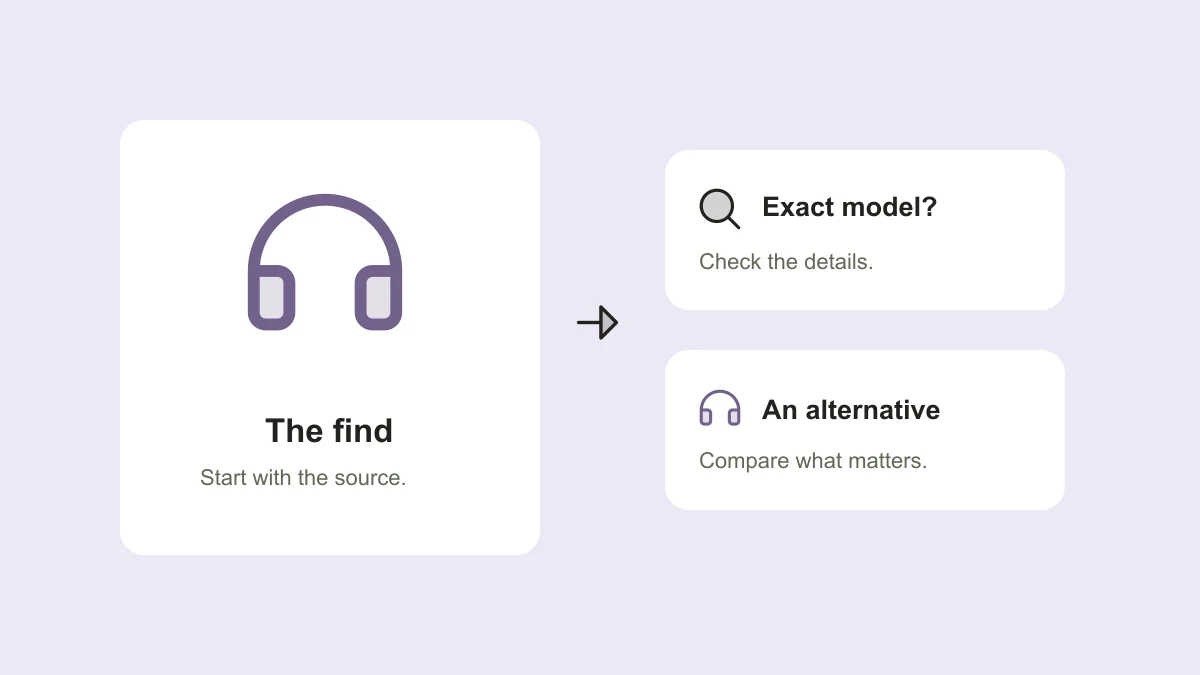
A creator’s desk has the perfect pair of headphones. The reel moves on before you catch the name. Searching for “headphones from that video” gives you a page of plausible options, but plausible is not the same as correct.
Work from the strongest clues first: the original caption, a visible model name, and the creator’s own information. Use visual search to build a shortlist, then verify the details on the product or manufacturer page before choosing anything.
Begin with the original post
Open the full caption and look for product names, tags, model details, and any link the creator provides. Check whether the creator has answered the same question in the comments. A direct product reference is usually a more specific starting point than a visual resemblance.
Save the reel URL and the creator’s name alongside the information you find. If several products appear in the video, identify which one the link refers to. A general storefront or collection can contain similar items without including the exact object shown.
Capture the details that distinguish the item
Pause on a clear frame. Look for a logo, model label, port layout, distinctive switch, seam, or handle. Note the approximate size and color, but remember that lighting and editing can make colors unreliable.
For electronics, a model number or generation is more useful than the broad product name. For clothing, look for the cut, material, and any stated style code. For home goods, dimensions and construction details can separate items that look nearly identical in a short video.
- Confirmed: a visible model number or an explicit identification by the creator.
- Possible: a similar silhouette, color, or arrangement of controls.
- Unknown: details you cannot read or features the video never demonstrates.
Use visual search to narrow the field
A clear screenshot can help when you have no product name. Crop to the object you want so the background does not dominate the search. Google Lens can return objects, similar images, and sites containing matching or similar imagery; Google’s instructions also explain how to add descriptive text to refine an image search.
Try a second frame if the first one mainly finds the room, the outfit, or the creator. Add an identifying detail you actually observed, such as “folding stand” or “three control buttons.” Do not add an assumed brand just because the first result suggested it.
Check the product page before calling it a match
Compare the shortlist with the manufacturer’s specifications or the merchant’s product details. Look beyond the main photo: model identifiers, measurements, compatibility, included accessories, and regional versions can matter more than the shared product name.
Use a simple confidence label in your note. “Exact model confirmed,” “likely match, model unconfirmed,” and “similar alternative” communicate different things. If the evidence stops at resemblance, keep the label honest. You can still like an alternative without pretending it is the item from the reel.
Item: Over-ear headphones from the desk reel
Source: [original post]
Candidate: [manufacturer or merchant page]
Match status: Similar alternative; exact model unconfirmed
Must-have: Works with my device; comfortable fit
Check before buying: Model, compatibility, returns, total cost
Make a budget alternative solve the same problem
Write down why the original caught your attention. Was it a compact size, a particular function, a material, or simply the look? Choose two or three requirements before sorting by price. Otherwise, the cheaper option may solve a different problem.
Check the total cost for your location, the seller, what is included, and the applicable return terms. A lower displayed price alone is not enough information. Keep the exact match and your alternatives in separate rows so you can compare the tradeoffs without losing the source.
Where TapShift could help
We are building TapShift around the path from shared content to a useful note and an optional next step. Product identification and budget alternatives are part of the planned experience. A useful assistant should show uncertainty and distinguish an exact identification from a suggested substitute.
Shopping links and creator affiliate attribution will depend on supported merchants and available programs. Not every product will have an affiliate link, and none of these product-finding features is live yet. Join the waitlist if you would like to hear when there is something to try.
Published by TapShift, a prelaunch project in India. Examples are illustrative. Planned product features are described as plans, and the practical steps can be used independently of TapShift. Send a correction or question.