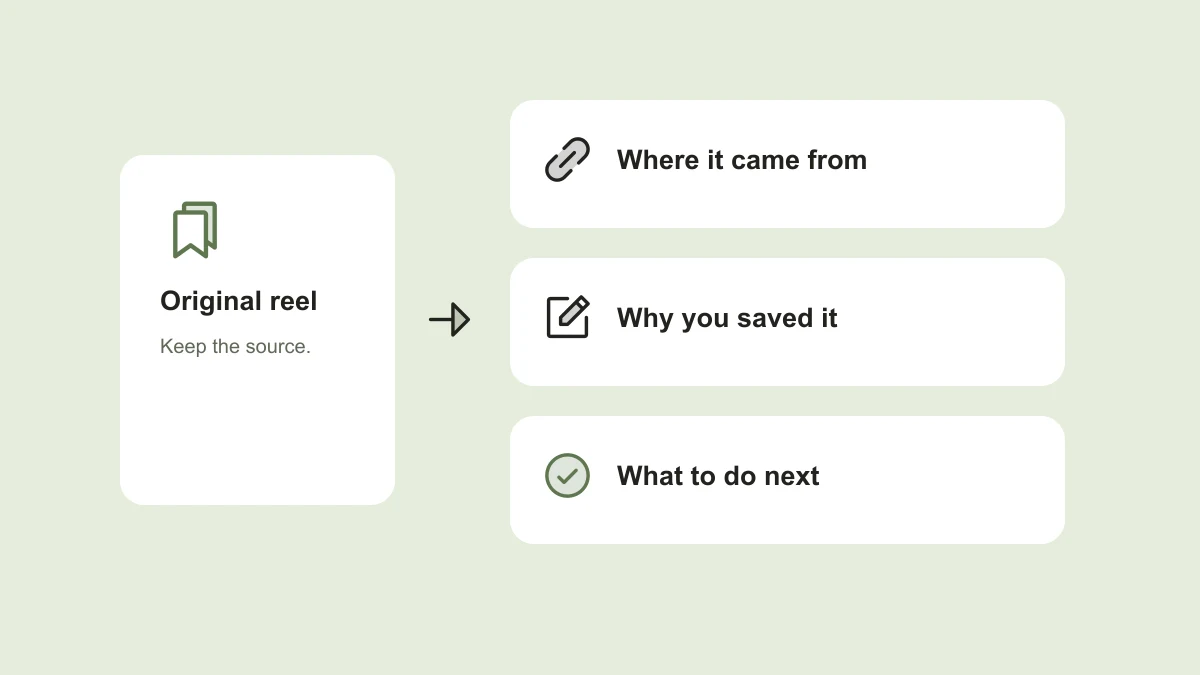
You remember the lamp, the noodle recipe, or the tiny bookshop. What you cannot remember is who posted it or which collection you saved it in. A bookmark preserves a piece of content, but it rarely preserves the reason you cared about it.
The most useful change is small: save the original link and one sentence about what you want to do with it. Then organize around that next action. You can start with any notes app, a spreadsheet, or the tools you already use.
Save the reason, not just the reel
Before you move on, finish this sentence: “I saved this because…” A recipe might become “a quick dinner using the chickpeas already in my cupboard.” A product video might become “a small reading lamp that fits a narrow bedside table.” Those details are more useful to your future self than a caption full of hashtags.
Keep the source link beside the note. Add the creator’s handle if it is visible. If you attach a screenshot, use it as a visual reminder rather than the only record: a screenshot can lose the caption, context, and route back to the person who shared the idea.
Start with four groups you will actually use
A folder for every topic quickly becomes a second thing to maintain. Start with the decisions you make most often. For example, “cook this,” “visit this,” “compare before buying,” and “learn or try” cover many everyday saves.
Put each item in one primary group. A café can belong in “visit this” even if the reel also shows beautiful furniture. Add a descriptive note about the chair only if that was another reason you saved it. You do not need to catalog every object that appeared in a video.
- Cook this: recipes, techniques, and meal ideas.
- Visit this: restaurants, shops, exhibitions, and travel stops.
- Compare before buying: products, sizes, features, and alternatives.
- Learn or try: tutorials, projects, and ideas that need no purchase.
Use the language you remember
Give the note a plain title such as “green desk lamp with adjustable arm,” not “amazing setup.” Add the context you are likely to remember: the room, occasion, neighborhood, ingredient, or problem it solves.
Separate what the reel actually identifies from your guess. “Brand not confirmed” is better than confidently attaching the wrong product name. If a creator names a model in the caption, record the model and where you found it. That makes later verification much easier.
Title: Small green reading lamp
Saved because: I need a light for a narrow bedside table
Original content: [link]
Creator: [handle]
Confirmed details: Adjustable arm; model not confirmed
Next step: Check dimensions and compare two options
Group: Compare before buying
Let an inbox handle the saves you cannot sort yet
Sometimes you are in a queue, talking to a friend, or saving a reel in a hurry. Put the link in one inbox and move on. A small unsorted inbox is more useful than a complicated system you stop using.
Review that inbox when it suits you. Give each item a next step, keep it as inspiration, or delete it. Avoid turning the review into homework: clearing five useful saves is enough. The goal is to make something easier to find, not to achieve a perfectly empty list.
Bring the note into the moment you need it
Before planning dinner, open “cook this.” Before visiting a neighborhood, look through “visit this.” Before buying something, revisit the note that explains the need. These moments give your collection a job beyond accumulating bookmarks.
Check current details before acting. A creator may have shared an older menu, a product can change, and an original post may disappear. Keep a short personal summary so the idea survives, while treating availability, price, and opening hours as things to verify.
What we are building with TapShift
TapShift is a prelaunch project exploring this workflow through conversation: share content, keep a useful note with its source, and ask for it again in your own words. Products, food, places, recipes, and ideas all belong in that picture. Buying something is optional.
Instagram, WhatsApp, and iMessage support are planned and depend on platform availability. The assistant is not available yet. For now, the template above works in your existing tools; the waitlist is for hearing when TapShift is ready to try.
Published by TapShift, a prelaunch project in India. Examples are illustrative. Planned product features are described as plans, and the practical steps can be used independently of TapShift. Send a correction or question.