The food reel was memorable. The restaurant name was not. By the time someone asks where to eat, your saved collection contains dozens of good-looking dishes from different cities, older menus, and places you cannot place on a map.
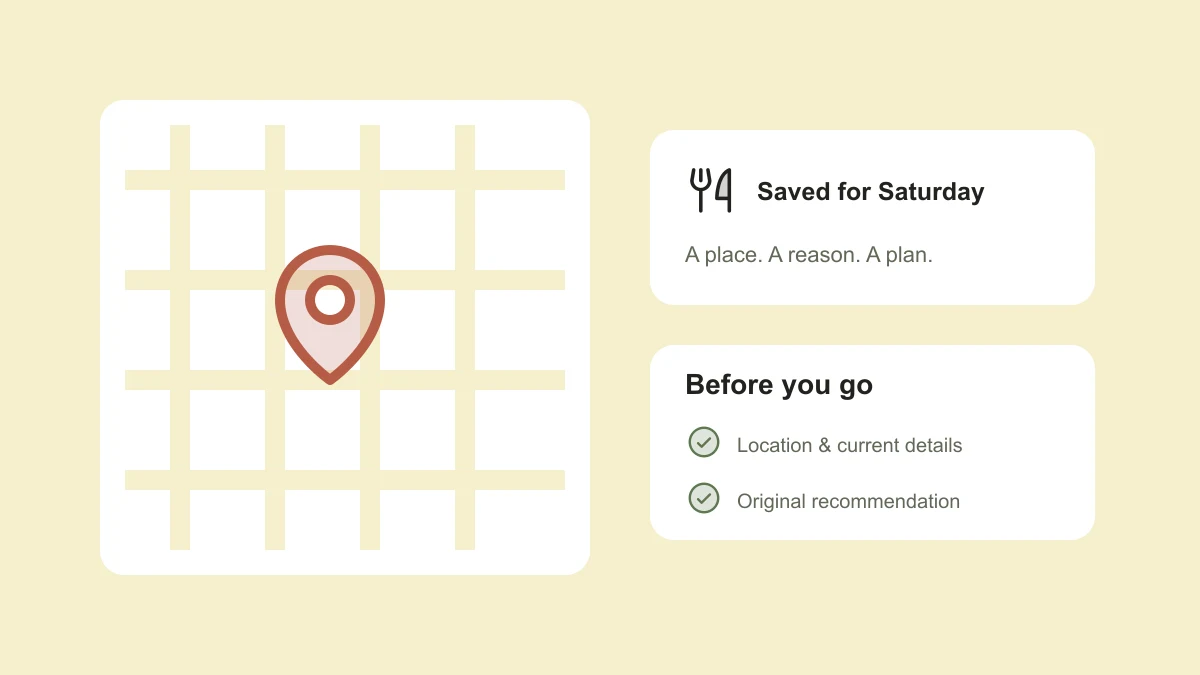
A useful restaurant note answers three questions: where is it, why did I save it, and when would I go? Keep those answers close to the original content and your next plan starts with a shortlist rather than another scroll.
Identify the place and the branch
Read the caption and any location reference before saving the recommendation elsewhere. A restaurant name can belong to several branches, and a location tag may describe a neighborhood rather than the exact venue. Save the address or an official location page when you find one.
If the branch is unclear, say so in the note. “City center branch not confirmed” is useful information. Do not turn a guess into a map destination just to complete the entry. Keep the original reel so you can revisit its caption or ask the creator a specific question later.
Write the reason you want to go
Was it the dumplings, the terrace, a late-night menu, or the fact that it was near a place you already visit? That reason makes the recommendation personal. It also stops every venue from becoming the same generic “must try” entry.
Separate a creator’s description from your own experience. Use “the creator recommended the noodles” before your first visit. After you go, add your own note rather than rewriting the recommendation as if you had always known it firsthand.
Place: [restaurant and confirmed branch]
Area: [neighborhood or address]
Saved for: Weekend lunch with a friend
What caught my eye: Hand-pulled noodles in the reel
Original recommendation: [link and creator]
Still to check: Current menu, hours, and booking options
Visited: Not yet
Make small lists for real occasions
Start with location because it quickly removes irrelevant choices. Within a city or neighborhood, use a few occasions you genuinely plan for: a quick weekday meal, a longer catch-up, coffee while working nearby, or somewhere to take a visitor.
A place can fit more than one occasion without needing a duplicate note. Keep one entry with a couple of labels. If you rarely visit a city, put its recommendations in a separate travel list so they do not crowd out the places you could choose this week.
Check current information before leaving
Treat a reel as inspiration, not a live directory. A menu item, opening time, location, price, or reservation policy may have changed since it was filmed. Check the venue’s current website or official account, and contact the venue when a detail is important to your plan.
If a reel mentions a promotion, find the current terms instead of assuming the offer is still running. A note such as “price shown in the original video; not checked” is more useful than copying an old price as though it applies today.
- Confirm that you have the right branch and address.
- Check current opening times for the day you want to visit.
- Look for the current menu and any booking requirements.
- Keep a nearby backup if the plan depends on a walk-in table.
Add your own experience without losing the source
After the visit, a sentence is enough: what you ordered, whether it suited the occasion, and whether you would return. Your note might say “good for a quick lunch; too busy for a long catch-up.” That is more actionable next time than another star rating.
Keep the original creator link even after adding your own experience. It preserves where the recommendation came from and makes it easy to share the source with a friend. If a place is no longer relevant, archive it instead of letting it stay in your active shortlist.
The idea behind food finds in TapShift
TapShift is being built for recommendations of all kinds, including food spots, recipes, shops, products, and travel. The planned workflow is to send content into a supported chat, keep a useful note, and ask for it later in ordinary language.
That might eventually mean asking for the noodle place you saved near a particular neighborhood. Messaging integrations and place-finding features are still coming soon. The approach above is usable now, with or without TapShift.
Published by TapShift, a prelaunch project in India. Examples are illustrative. Planned product features are described as plans, and the practical steps can be used independently of TapShift. Send a correction or question.