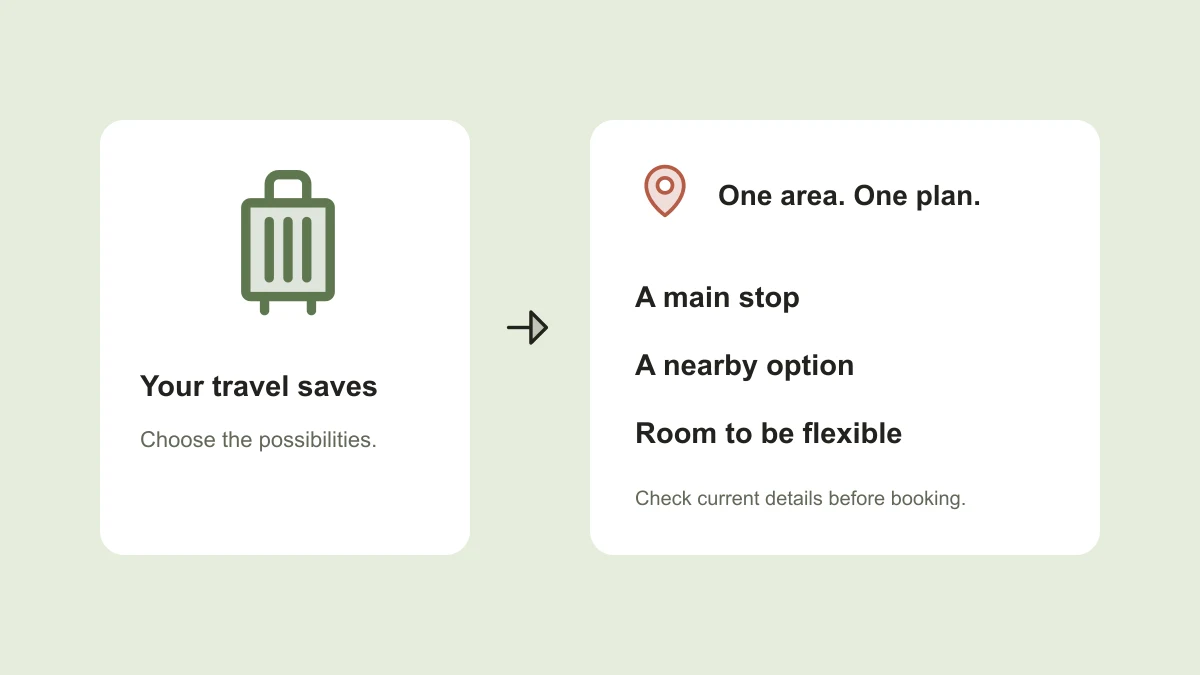
A folder of beautiful travel reels is a collection of possibilities. It becomes a trip plan when you know where each place is, why you want to go, and whether the stops fit together. Otherwise, a ‘relaxed afternoon’ can turn into several hours of travel between unrelated recommendations.
Start with a small shortlist and a note for each place. The goal is not to visit everything you saved. It is to choose a few experiences that fit the trip you actually want, while preserving the original recommendations for another time.
Identify the place, not just the destination
A caption saying ‘weekend in Jaipur’ might include several cafés, a hotel, and a viewpoint. Create separate notes for the places you want to remember. Record the name, neighborhood, original reel, and creator. If the location is uncertain, keep it in a ‘needs checking’ list instead of guessing.
For a hotel, distinguish the property from a particular room, restaurant, or day-use area shown in the video. A terrace in a reel is not evidence that every room has that view. Look for the exact room or service description on the provider’s page before comparing prices.
Write why each stop belongs in your trip
Complete one sentence for every save: ‘I want to go here for…’ The answer might be a specific dish, a walking route, a workshop, or a quiet afternoon. This helps you compare two places that serve the same purpose and avoid filling an itinerary with duplicates.
Imagine a weekend with three café reels, two galleries, and a day trip outside the city. If the main goal is a slow food-focused weekend, choose one café as an anchor and keep the others as alternatives. You can enjoy the recommendations without turning all of them into appointments.
Group nearby stops before assigning days
Place the confirmed addresses on a map and look for natural clusters. Build a day around one area or one main activity, then add nearby options. Check the route and transport you expect to use; two places that look close on a map may still be awkward to travel between.
Leave room for arrival, queues, meals, and rest. Treat an optional stop as genuinely optional. A useful plan tells you what can move if the weather changes or lunch takes longer, rather than making every delay feel like a failed itinerary.
- Anchor: the main reason to visit this area that day.
- Nearby option: a second stop that fits if time and energy allow.
- Backup: something suitable if the first choice is unavailable.
- Travel time: an estimate to recheck nearer the visit.
Check what the reel cannot confirm
Revisit the provider’s current information before booking or traveling. Confirm opening days, reservation requirements, address, and the service you intend to use. The publication date of a reel is useful context, but the post may describe an earlier visit.
For accommodation, compare the same dates, guest count, room category, and inclusions. Look at the full payable amount and cancellation terms, not only a prominent nightly rate. Keep the link to the offer you actually considered beside the inspiration reel so the two cannot be confused later.
Keep one compact planning note
Use this template for a single area or day, then duplicate it only when needed. The example is deliberately flexible. Put confirmed reservations in their own field and leave unbooked ideas as ideas until you decide to commit.
If you are traveling with someone, share the shortlist and ask what matters most to them before adding bookings. Keep personal payment information out of shared planning notes. The useful things to share are the destination, dates, options, constraints, and original recommendations.
Trip / day: [destination and date]
What we want from the day: [food, walking, rest, etc.]
Area: [neighborhood or route]
Main stop: [name + exact address]
Why it is here: [reason from the recommendation]
Original reel + creator: [link + name]
Nearby optional stop: [name]
Backup: [alternative]
Travel between stops: [estimate + transport]
Checked on: [date]
Still to confirm: [hours, reservations, availability]
Booked items: [provider + confirmation reference]
Flexible time: [space for meals, delays, or rest]
The planned TapShift travel workflow
TapShift is being built to keep the useful details of shared content and make them searchable in a conversation. A future request might be ‘find the places I saved for Jaipur.’ Longer term, the assistant could ask for dates, guests, and budget, help compare supported options, and complete a booking after your review and approval.
Those assistant, booking, and payment capabilities are planned, not available today. A travel reel is one use case alongside food, products, recipes, and ideas. Until the product launches, the note structure above can make your existing saves easier to turn into a realistic plan.
Published by TapShift, a prelaunch project in India. Examples are illustrative. Planned product features are described as plans, and the practical steps can be used independently of TapShift. Send a correction or question.